
Kyocera Cloud Capture
Functions
Scanning
-
Easy scanning to cloud storage without a computer
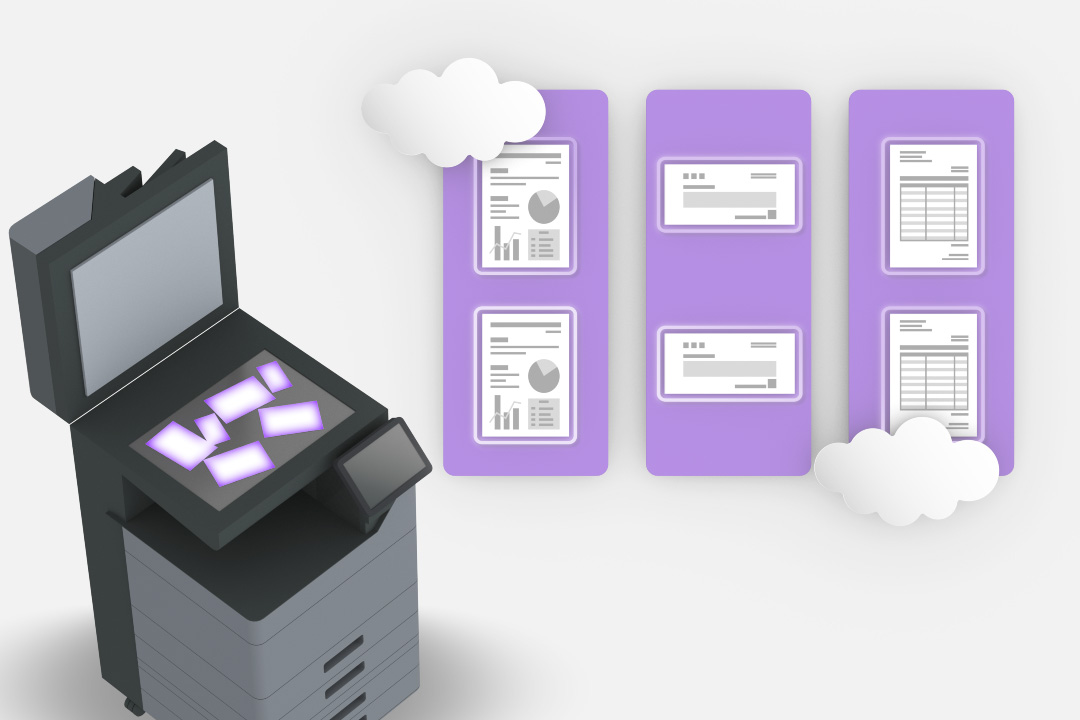
Data scanned from a multifunction printer can be easily saved directly to cloud storage such as SharePoint® Online, OneDrive®/OneDrive® for Business, and Google DriveTM (Google Workspace) without going through a computer. /li>
-
Scanning with index
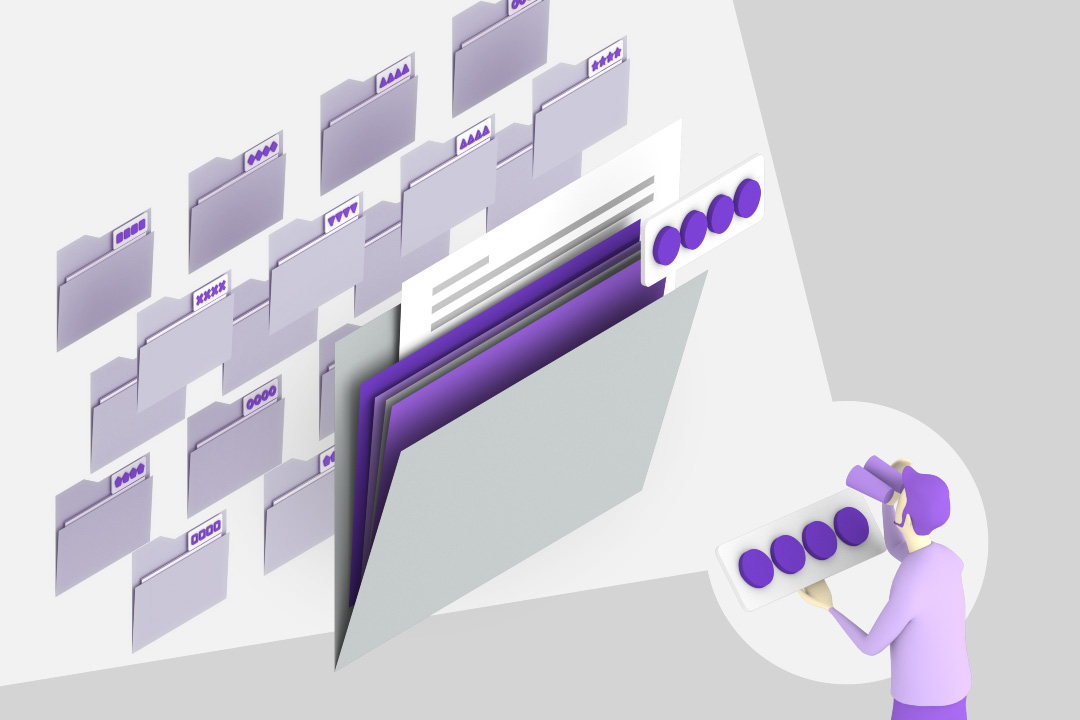
When saving scans to SharePoint® Online or Kyocera Cloud Information Manager, index information related to the document—such as company names and dates—can be added directly on the multifunction printer panel. By setting and saving this index information, it becomes easier to search for documents using keywords within the cloud storage.
Authentication
-
Easy login
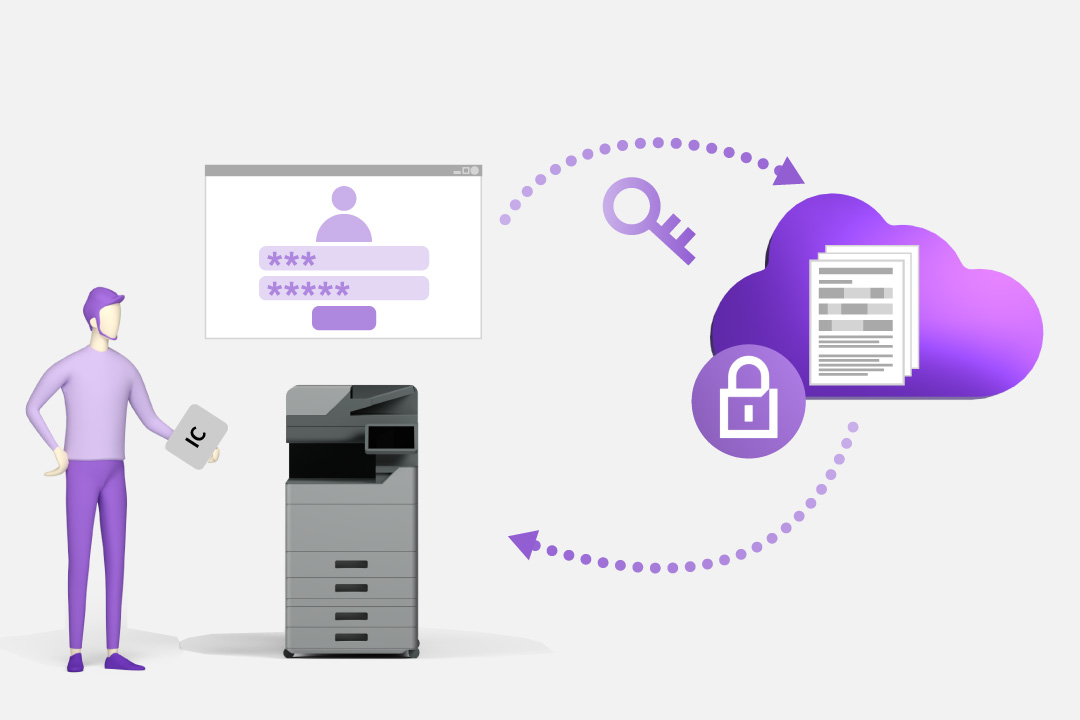
Effortless and secure access to cloud storage is just a tap or a code away with Kyocera Cloud Capture—powered by IC card and PIN authentication.