
ECOSYS MZ3201ix
Enhanced Device and Document Security
Optimized security protects your business in the latest communications environments.
-
Enhanced security with data encryption
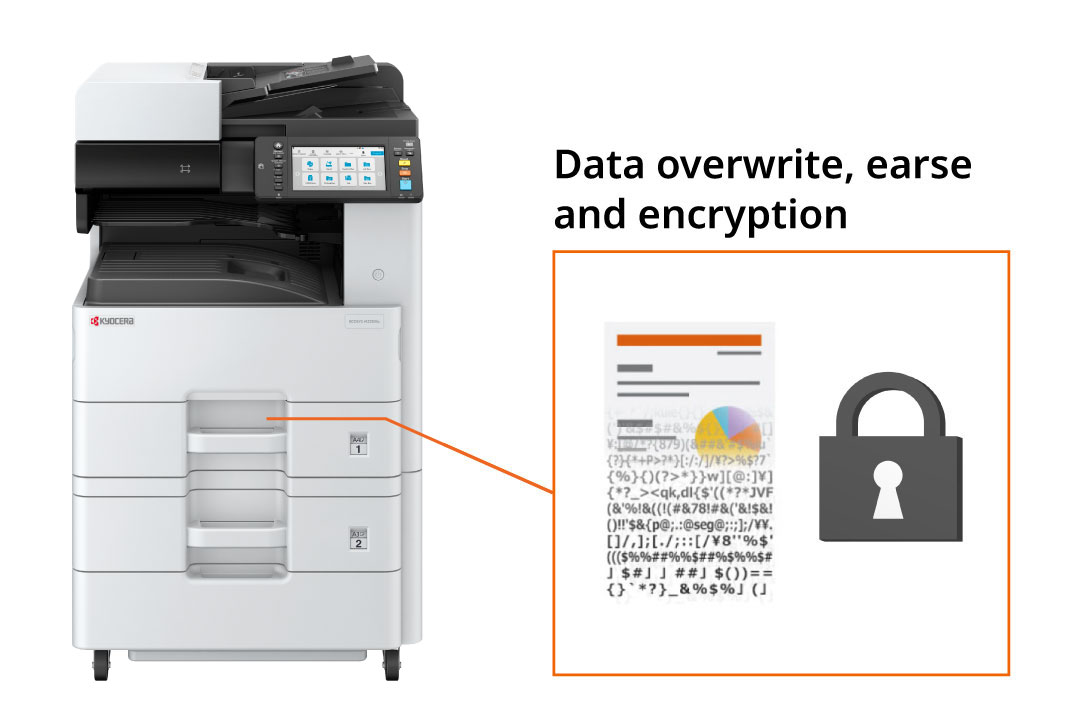
When using an SSD for storing or printing sensitive information, you can safeguard the data by either encrypting it or erasing it in a manner that stops any further use.
*Optional HD-18 required.
Ensuring the safety and security of machines
Products that are CC-certified (ISO/IEC15408) are mandatory as bidding requirements for government contracts and major corporations. We aim to achieve CC certification for the main unit along with the optional HD-18.
A new level of security standards
Provides standard support for the US Federal Standard FIPS140-3 for data encryption for network communications and storage. In addition to IPSec for network communication encryption, TLS communication, which is common for encrypted communication, is also supported.
Block malicious program tamperin
Even if malicious programs such as viruses invaded the device, it could cause no affection due to strict access permission, preventing infections and spread of the virus to ensure a protected use.
Restrain accessible devices by IP address
Configuring IP filtering allow you to restrict the access of the device to your own network and prevent unauthorized access from outside the company.
Enhanced print security
Various settings can be made to reduce the occurrence of user errors and fraud.
-
Private printing
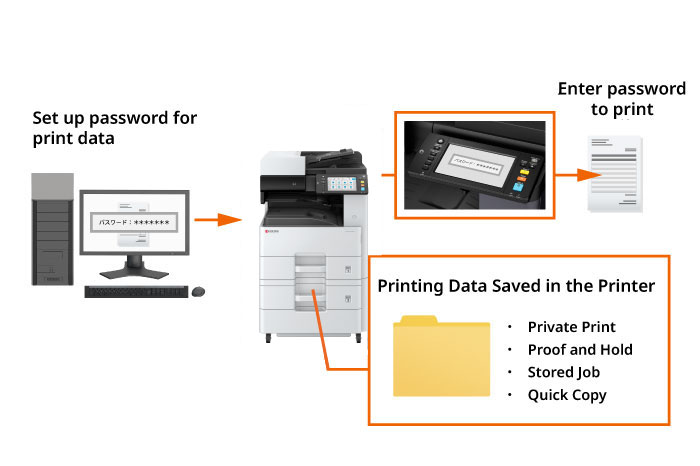
By temporarily storing print data in a "job box" within the machine's memory and requiring a password or access code for printing, you can avoid information security issues that may arise from leaving or misplacing printed documents. This feature does not need administrator configurations and can be activated by adjusting the extended functions of the printer driver during the printing process.
-
User box password setting
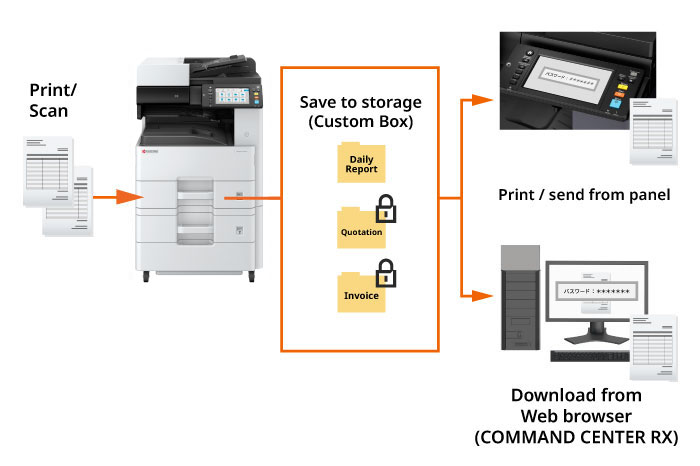
Set up "user boxes" in system storage for scan and print data. Each box can be password-protected for secure access via the main unit, printer driver, or web browser (COMMAND CENTER RX), ensuring privacy and preventing data extraction.
*Optional HD-18 required. -
Embed watermark to prohibit unauthorized copying
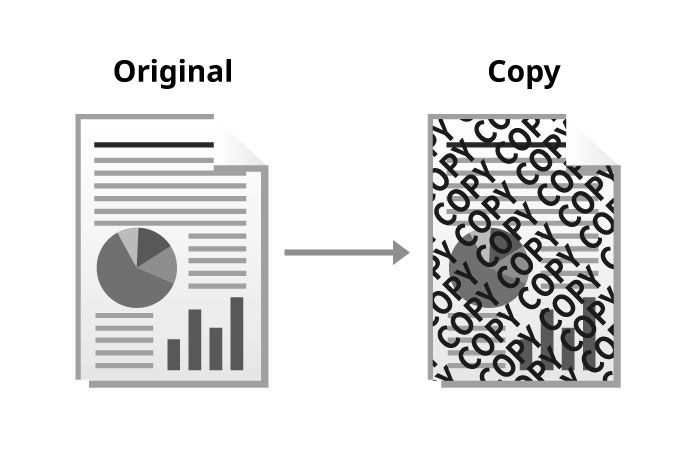
Block printing is a printing method that embeds a special pattern (text and graphics) in the background of a document that stands out when it is photocopied. Making copy-evident pattern makes it easier to identify whether the document is an original or a copy, and helps to prevent information leakage due to inadvertent copying.
Other Security Features
●Security password settings ●System initialization settings ●Interface blocking (USB, LAN ports) ●Fax mis-sending prevention settings (compliant with FASEC1) ●Box password settings ●Security Acquired International Standard Certification (ISO/IEC15408)