
TASKalfa MZ2502/MZ2202
Flexible to various working environments
Works with multiple connection types for different network and equipment
-
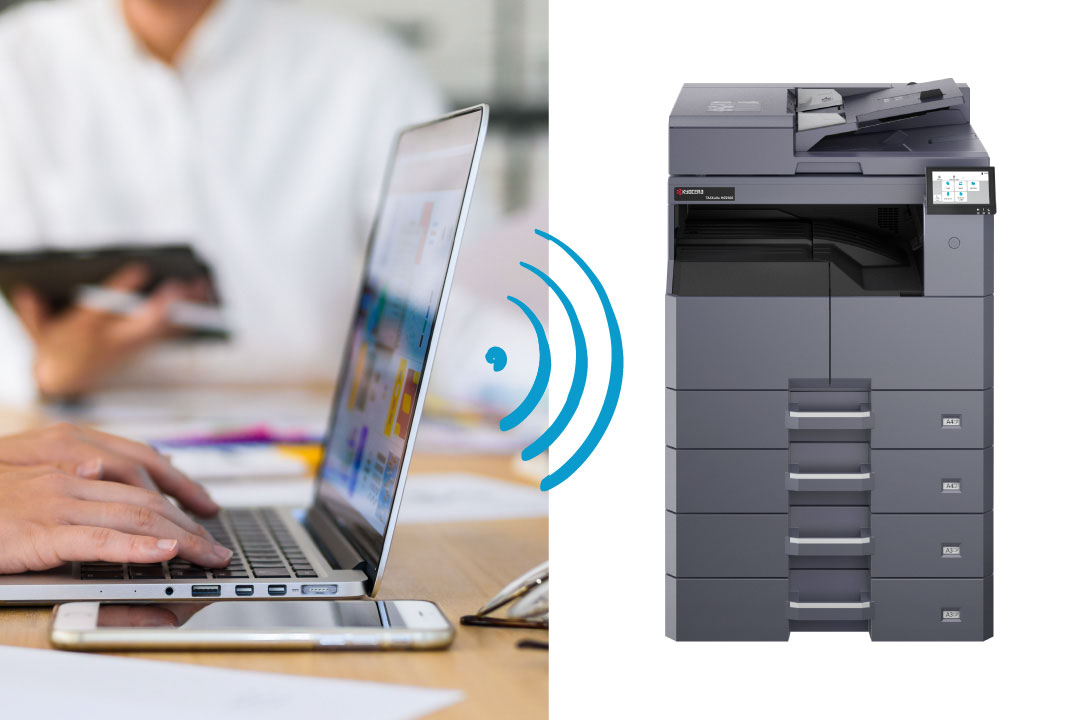
Expanding Workspace with Wi-Fi Support
KYOCERA Mobile Print (Free mobile application)
Print image data directly from smartphones or tablets. You can also send scan data directly to mobile devices, completing information input/output with just your mobile device. *Optional IB-37 required. -
Direct Print and Scan via Mobile
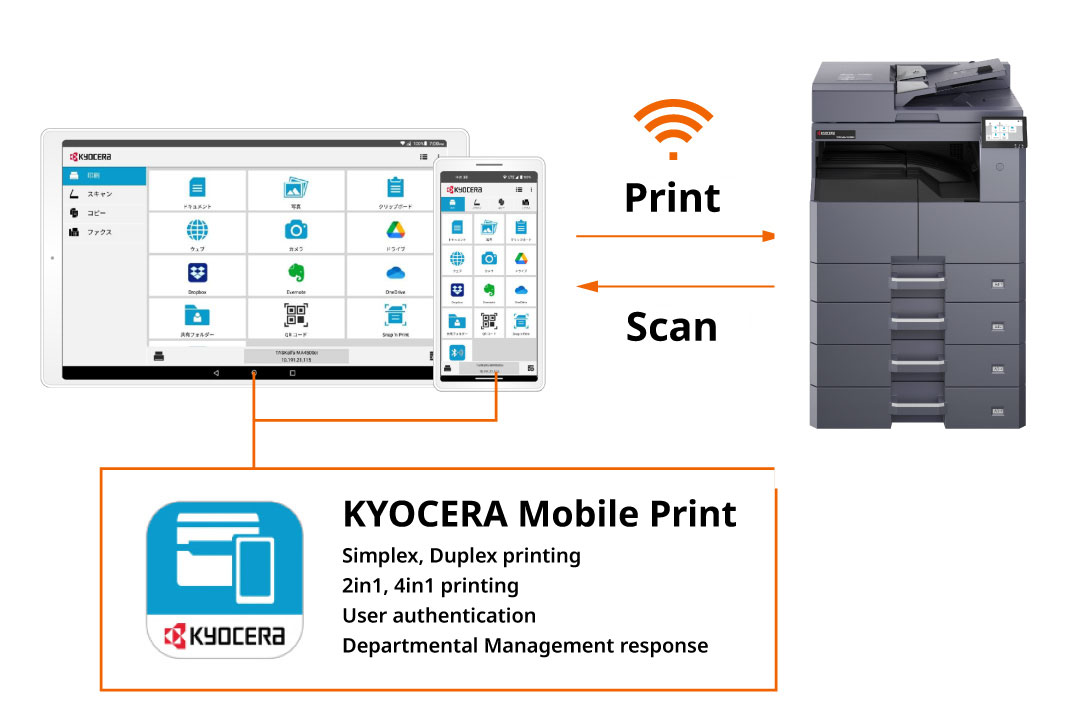
Wi-Fi Direct allows a one-to-one connection between the MFP and Wi-Fi-enabled PCs or mobile devices. Since the unit can be installed freely without network wiring restrictions, it helps expand the possibilities of your workspace. *Optional
Diverse Device Management Utilities
Centralized management of device status and usage over the network.
-
Manage MFP Usage by Department
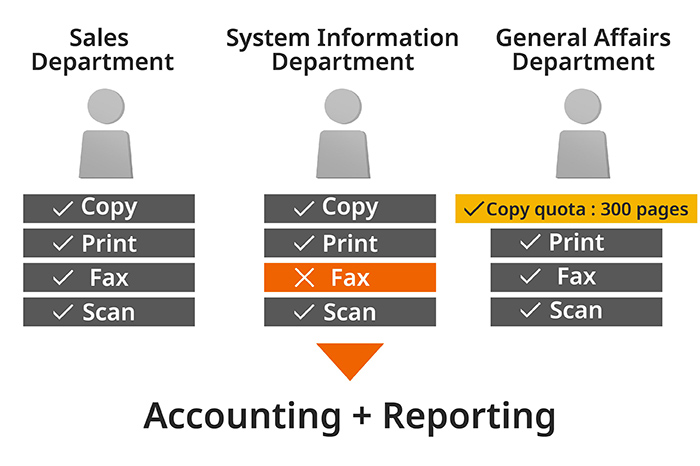
When sharing an MFP across multiple departments or groups, the Department Management function automatically totals usage for copying, printing, scanning, and faxing by department, allowing for report printing. It is also possible to set limits on print/copy volume or restrict functions like faxing for each department. This prevents excessive printing and unnecessary function use, improving management efficiency.
-
Manage and Update Device Settings from PC
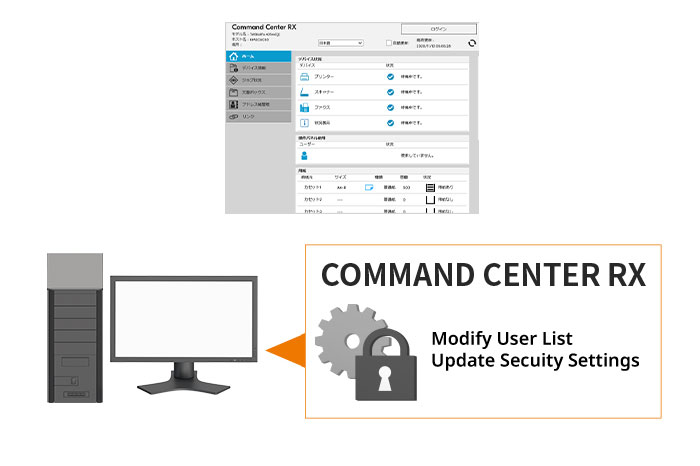
The MFP setting screen (COMMAND CENTER RX) can be accessed via a PC web browser. Administrators can connect over the network from their desk to verify and change various administrative settings. Not only user lists, but also network and security settings can be updated remotely and efficiently.
-
Batch Management and Configuration for Multiple Devices
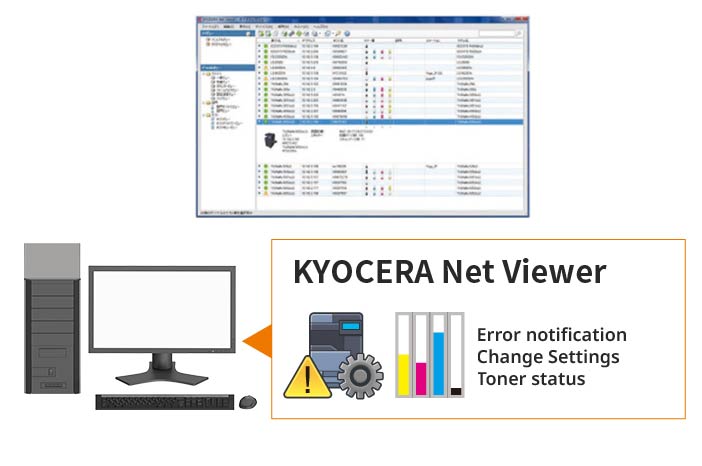
KYOCERA Net Viewer (Device Management Software)
Administrators can easily monitor the status of multiple printers and MFPs operating in the office from a single PC screen. In addition to receiving timely email notifications of device errors to address issues quickly, it streamlines administrative tasks such as remote setting changes and monitoring toner levels.