
TASKalfa MZ2502/MZ2202
Operate MFPs Touchlessly
Operate efficiently without touching the MFP panel using mobile devices or IC cards.
-
Direct Print and Scan via Mobile
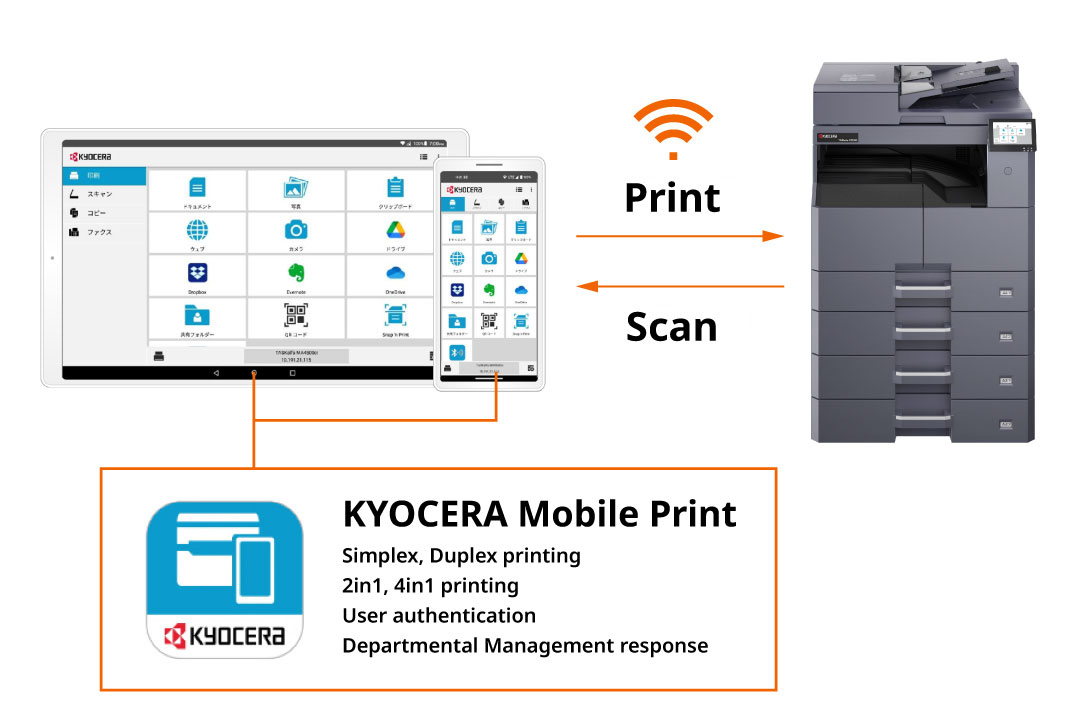
KYOCERA Mobile Print (Free mobile application)
Print image data directly from smartphones or tablets. Scan data can also be sent directly to mobile devices, allowing info input/output to be completed entirely on your mobile device.
*Optional IB-37 required.Operate MFP with Smart Devices
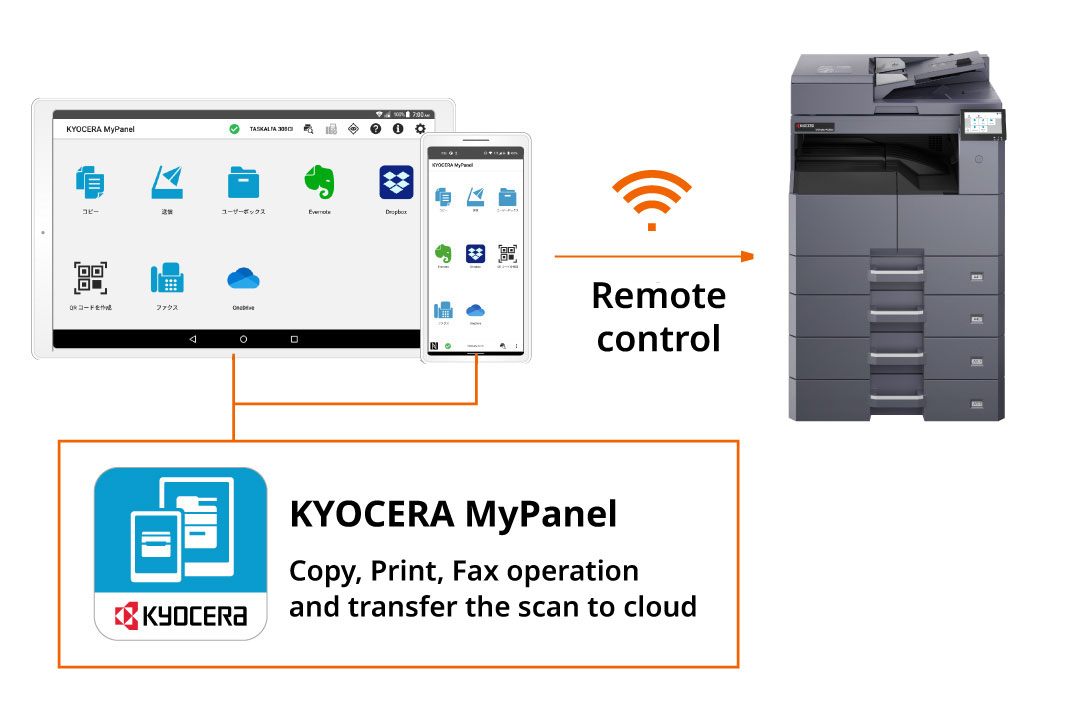
KYOCERA MyPanel (Free mobile application)
Use your everyday smartphone or tablet as your own personal MFP operation panel. You can complete tasks without touching the panel, and even operate it while seated from a distance, such as your desk.
*Optional IB-37 required.Secure Print by Tapping ID Cards
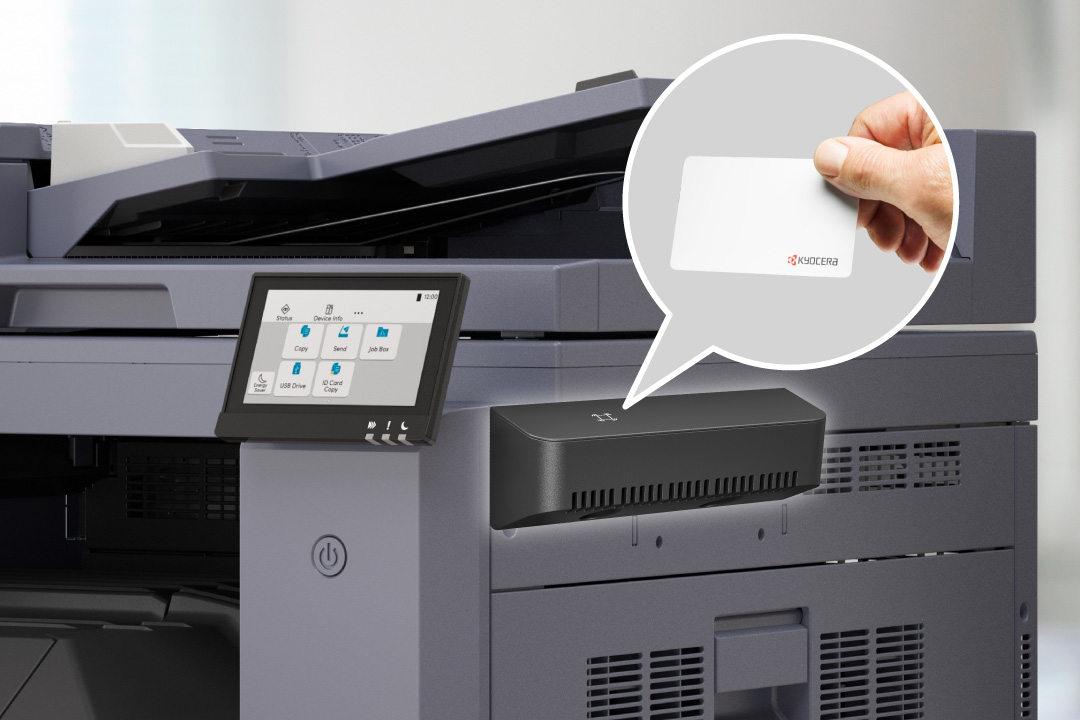
After executing a print job from a PC, printing will not start until an ID card is tapped on the MFP. This prevents unauthorized viewing or documents being left unattended. Additionally, limits for color printing can be set for each individual, which is effective for reducing color output costs.
It also records 'who, when, what, from where, and how many copies' were printed, enabling checks for unauthorized printing, tracking for information leaks, and monitoring usage. Realizes a secure printing environment.
*Optional
Cloud Integration
Direct integration between MFPs and the cloud for seamless data sharing.
-
Providing Security and Efficiency for Diverse Working Styles
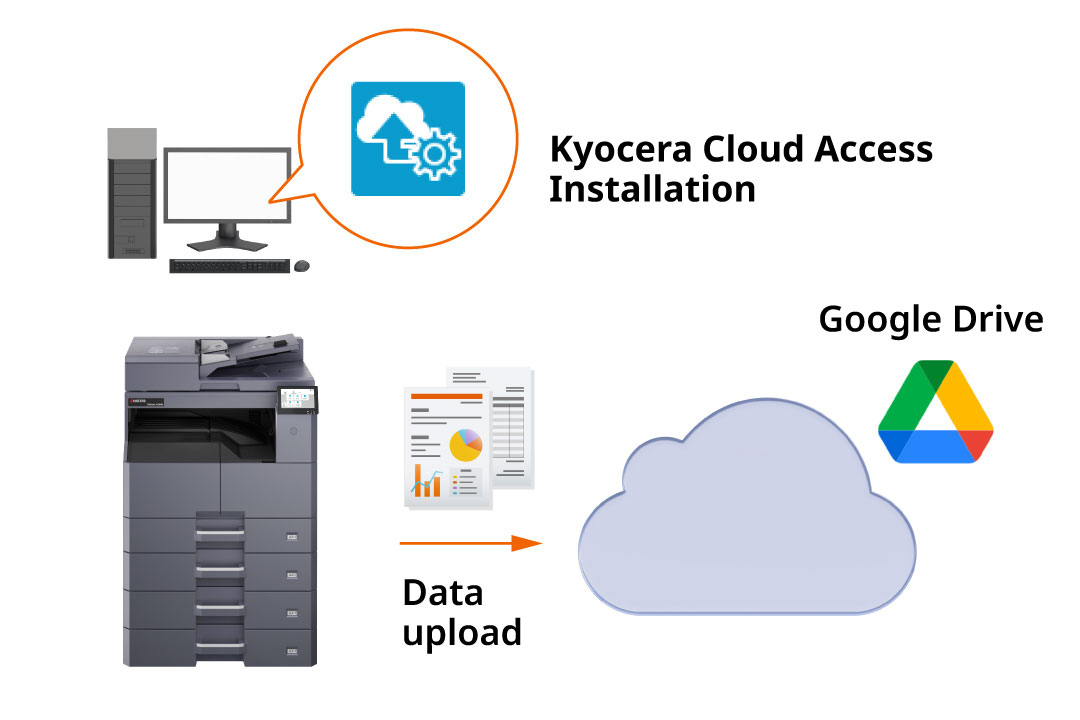
Kyocera Cloud Access
Cloud storage usage is increasing due to the convenience of accessing documents from anywhere, including outside the office. We provide 'Kyocera Cloud Access (KCA)', a tool for integrating with Google Drive. (Free) By installing KCA on a PC, you can use cloud integration functions (saving/printing documents from the cloud) via the operation panel. User registration allows multiple users to utilize these features.